
AI Clipping Tool: Turn Long Videos into Scroll-Stopping 9:16 Clips
Paste any YouTube, Twitch, Kick, or podcast link and turn multi-hour footage into punchy 9:16 vertical clips with dynamic captions—built for creators, streamers, and clipping campaigns. Skip the 3-hour timeline scrub and ship clips while the trend—and the campaign budget—is still hot.
- No desktop editor
- 9:16 vertical framing
- Dynamic word-by-word captions
- Built for clipping campaigns
Stop losing your night to 4-hour timelines
Whether you're growing a channel or racing other editors on clipping campaigns, manual cutting is the bottleneck.
Manual scrubbing & hand-typed captions
- Scrubbing 3–4 hours of podcast or stream VODs just to hunt down two usable moments.
- Downloading massive 8 GB video files and burning your evening in Premiere or CapCut.
- Manually reframing 16:9 speakers into 9:16 and hand-typing word-by-word captions.
- Missing the early view wave on clipping campaigns while faster editors drain the payout pool.
One link in. 9:16 vertical workflow out.
- Drop one YouTube, Twitch, Kick, or podcast URL—zero gigabyte downloads, zero desktop bloat.
- Built around hook-first 30s Shorts and 60s Clips designed to hold mobile viewers past second three.
- Clean 9:16 vertical framing paired with high-contrast dynamic captions for sound-off scrolling.
- Turn one long episode or livestream into repeatable vertical batches in a fraction of the time.
Everything a modern clipper needs—nothing that slows you down
Focused on the four things that actually move views: strong hooks, clean 9:16 framing, readable dynamic captions, and fast repeatable output.
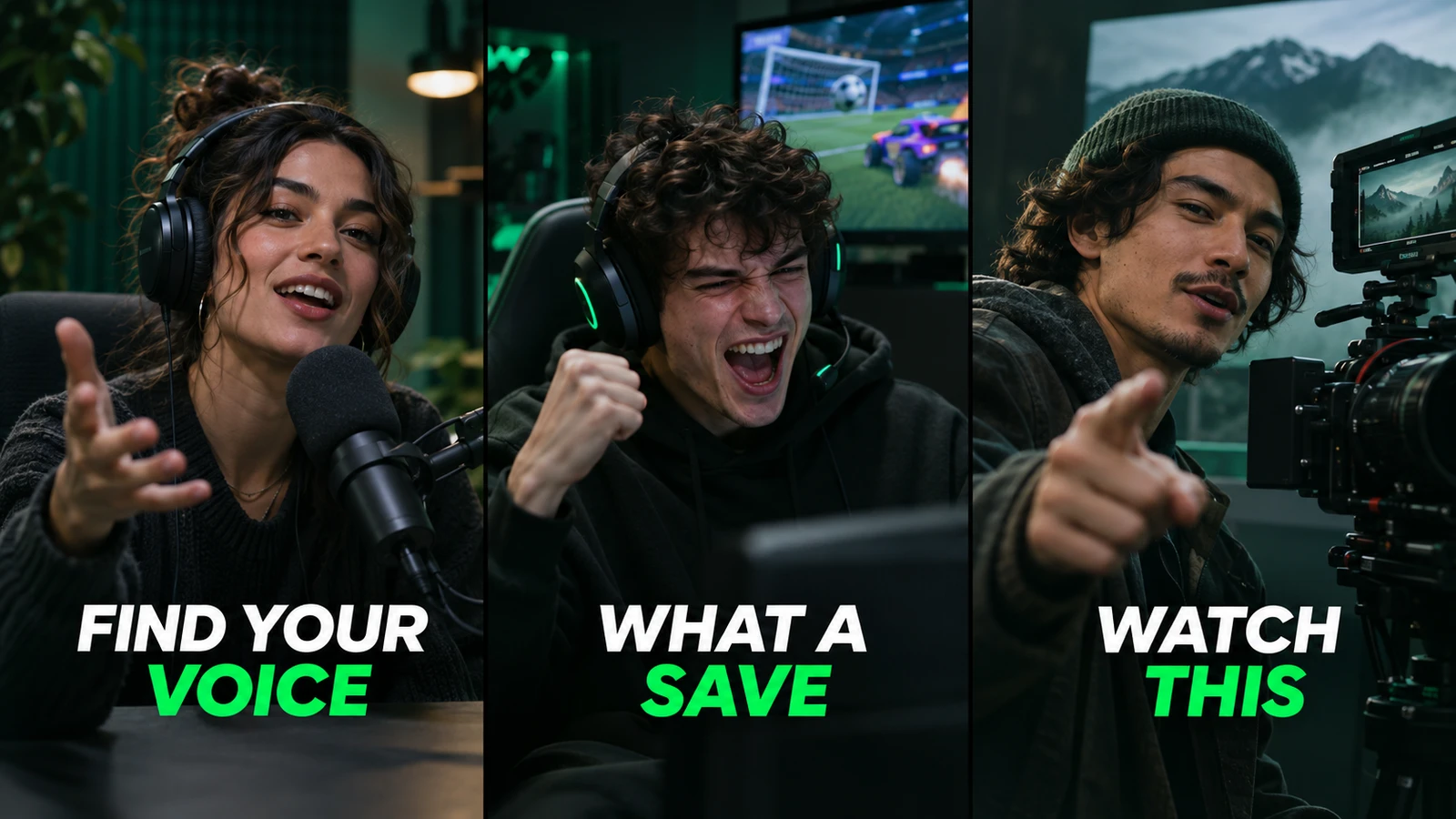
- 01 · Hook-First Clipping
Skip the dead air. Ship the punchline.
Long videos bury their best 30 seconds inside two hours of setup. Clipden is built around the moments people actually replay—heated takes, clutch plays, and sharp takeaways.
- 02 · 9:16 Vertical Framing
Native vertical feel—not lazy letterboxed crops
Transform 16:9 widescreen podcasts and livestreams into crisp 9:16 framing that keeps the speaker front and center across TikTok, Instagram Reels, and YouTube Shorts.
- 03 · Dynamic Captions
Captions that stop the thumb on mute
Bold, word-by-word animated captions keep silent scrollers locked in through the first two seconds—when the algorithm decides whether your clip lives or dies.
- 04 · Built for Clipping Campaigns
Made for editors chasing views and bounties
Switch between 30s Shorts and 60s Clips in one click so you can ship faster on creator clipping campaigns, Vyro briefs, and Whop Content Rewards.
From raw URL to 9:16 queue in three steps
- STEP 01
Paste one long-form link
Drop in a public YouTube episode, Twitch VOD, Kick broadcast, or podcast URL—no downloading massive raw files.
- STEP 02
Set 30s / 60s & dynamic captions
Pick 30s Shorts for fast hooks or 60s Clips for full stories, keep Dynamic Captions ON, and queue with Google.
- STEP 03
Publish everywhere & repeat
Track every clip request in My clips and turn one long broadcast into daily TikTok, Reels, Shorts, and campaign posts.
One clipping tool for creators, streamers, and bounty editors
Dive into our hands-on playbooks for Vyro clipping, Content Rewards clipping, and our side-by-side guide to the best AI clipping tools.
- YouTube & Podcasts
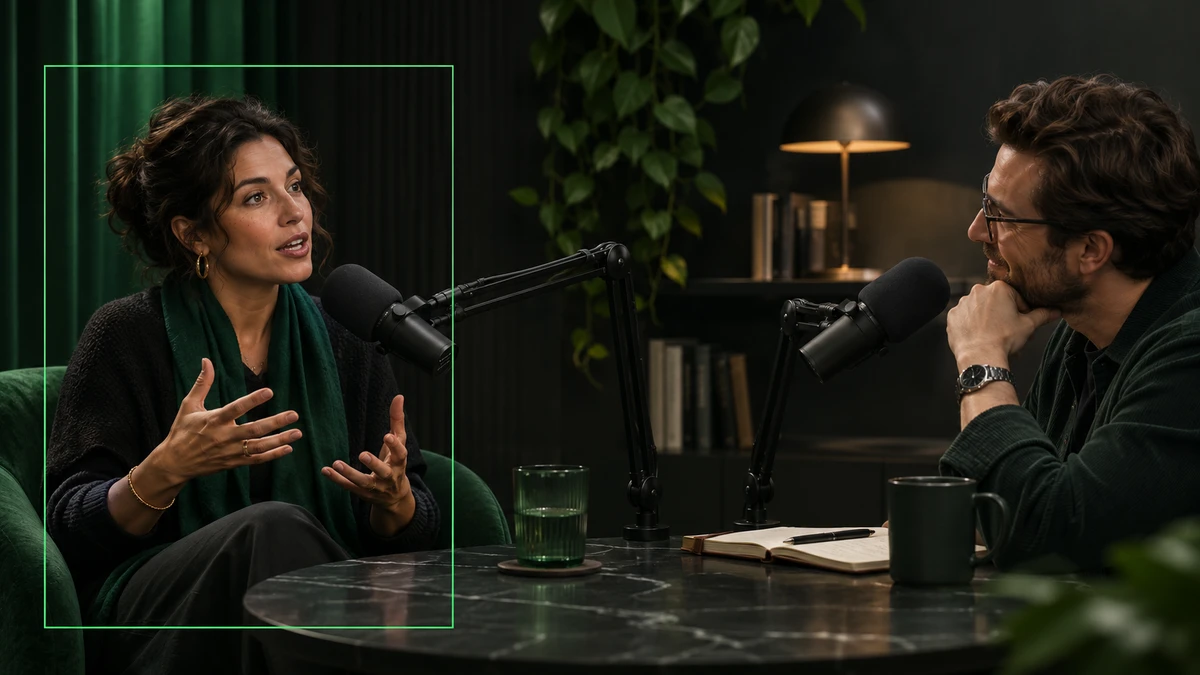
Turn one episode into a week of Shorts
Stop letting 60-minute interviews die after one upload. Drop the YouTube link and spin your sharpest arguments into daily 9:16 vertical discovery clips.
Clip a YouTube link - Twitch & Kick
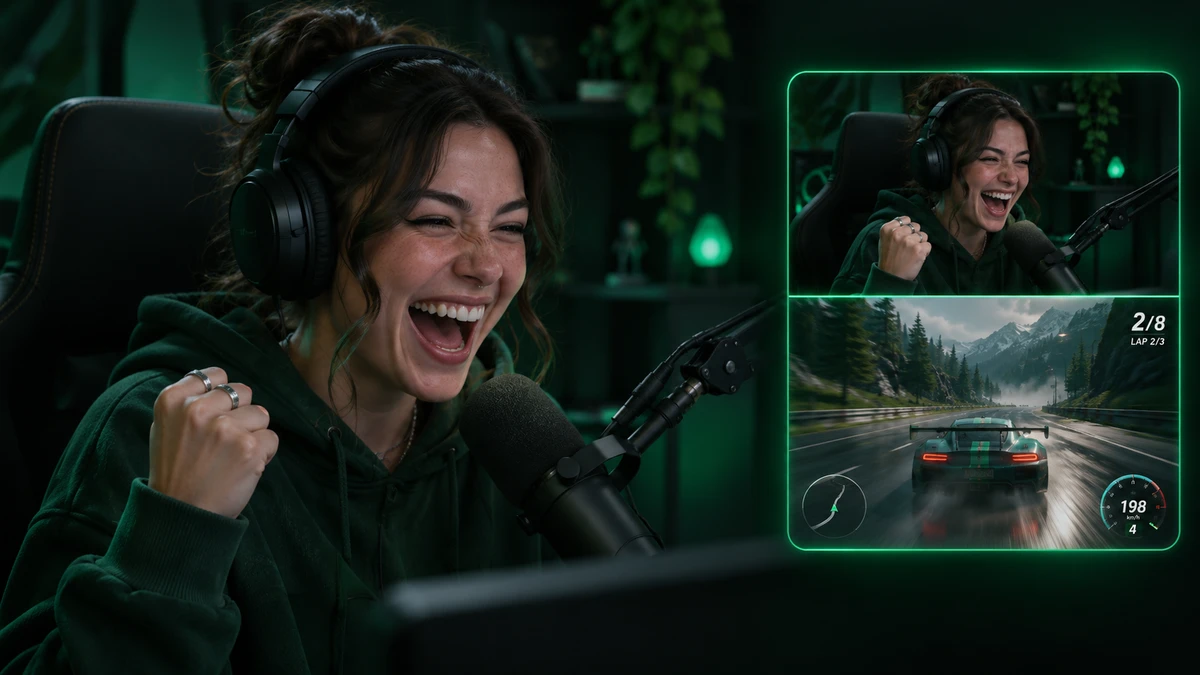
Grow your stream while you're offline
Your funniest chat moments and clutch plays shouldn't stay trapped inside a 4-hour VOD tab. Turn live broadcasts into captioned shorts that pull new viewers back to your channel.
See stream clipper workflow - Clipping Campaigns
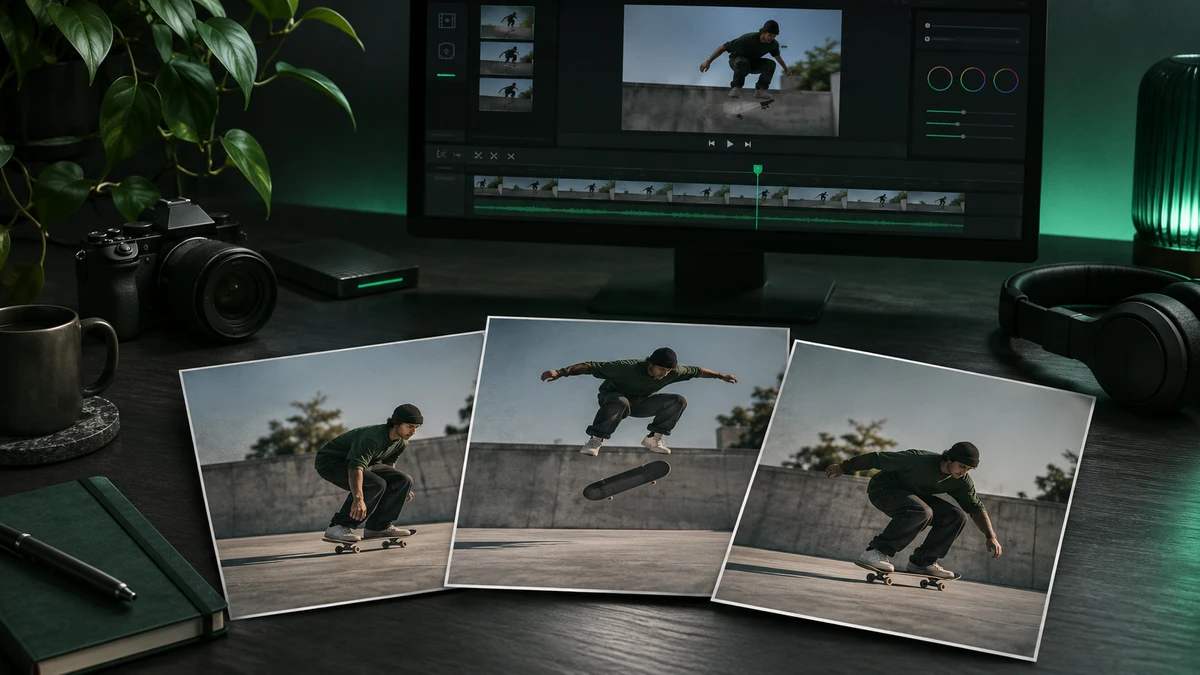
Ship faster while the bounty pool is open
Campaign budgets reward speed and volume. Use Clipden's focused 9:16 workflow to batch clean, high-retention edits for Vyro and Content Rewards campaigns.
Read clipping campaigns guide
Also searched as: ai clipping, clipping ai, ai clipping tool, ai video clipper, stream clipper, clipping campaigns tool, long video to shorts ai.
Straight answers before you clip
Looking for more detail on clipping campaigns, supported links, or privacy? Read the full Clipden FAQ.
Clipden is an independent AI clipping tool and is not affiliated with YouTube, Twitch, Kick, TikTok, Vyro, or Whop. Only submit videos you own or have permission to clip.
What is Clipden?
Clipden is a focused web-based AI clipping tool built to turn long-form videos into short vertical clips. Paste any YouTube, Twitch, Kick, or podcast link and turn multi-hour footage into punchy 9:16 vertical clips with dynamic captions—built for creators, streamers, and clipping campaigns. No desktop editor to install, no bloated timeline to learn.
Which video links work with Clipden?
Paste public YouTube video URLs, Twitch VODs, Kick VODs, or web podcast video links directly into the form on the home page—no multi-gigabyte file download required.
Should I pick 30s Shorts or 60s Clips?
Pick 30s Shorts for stream reactions, clutch gaming plays, and rapid punchlines where replay rate drives views. Pick 60s Clips for podcast stories, debates, and creator advice that need setup before the payoff.
Can I use Clipden for clipping campaigns, Vyro, or Content Rewards?
Yes. Clipden is built around the fast 9:16 vertical + dynamic captions workflow that clipping campaign editors rely on to ship volume quickly. Always check each campaign's specific brief, tags, and disclosure rules before posting.
Why do I sign in with Google before clipping?
Signing in with Google ties every submitted URL and queued clip request to your personal workspace so you can track status and access your history anytime in My clips.
Where do my submitted clip requests show up?
Your latest three requests appear immediately under the form on the home page, and your complete queue lives in My clips (/my-clips).
Does Clipden work for Twitch and Kick gaming streams?
Yes. Drop any public Twitch or Kick VOD URL, pick 30s or 60s target clips, and keep Dynamic Captions ON. Check our AI Stream Clipper page for facecam framing tips.
Your next viral clip is already inside your last video
Drop a YouTube, Twitch, Kick, or podcast link into Clipden and turn long-form footage into 9:16 captioned shorts without opening a heavy editor.
Clip a Video Now