
Vyro Clipping: Ship 9:16 Clips Before the Bounty Pool Drains
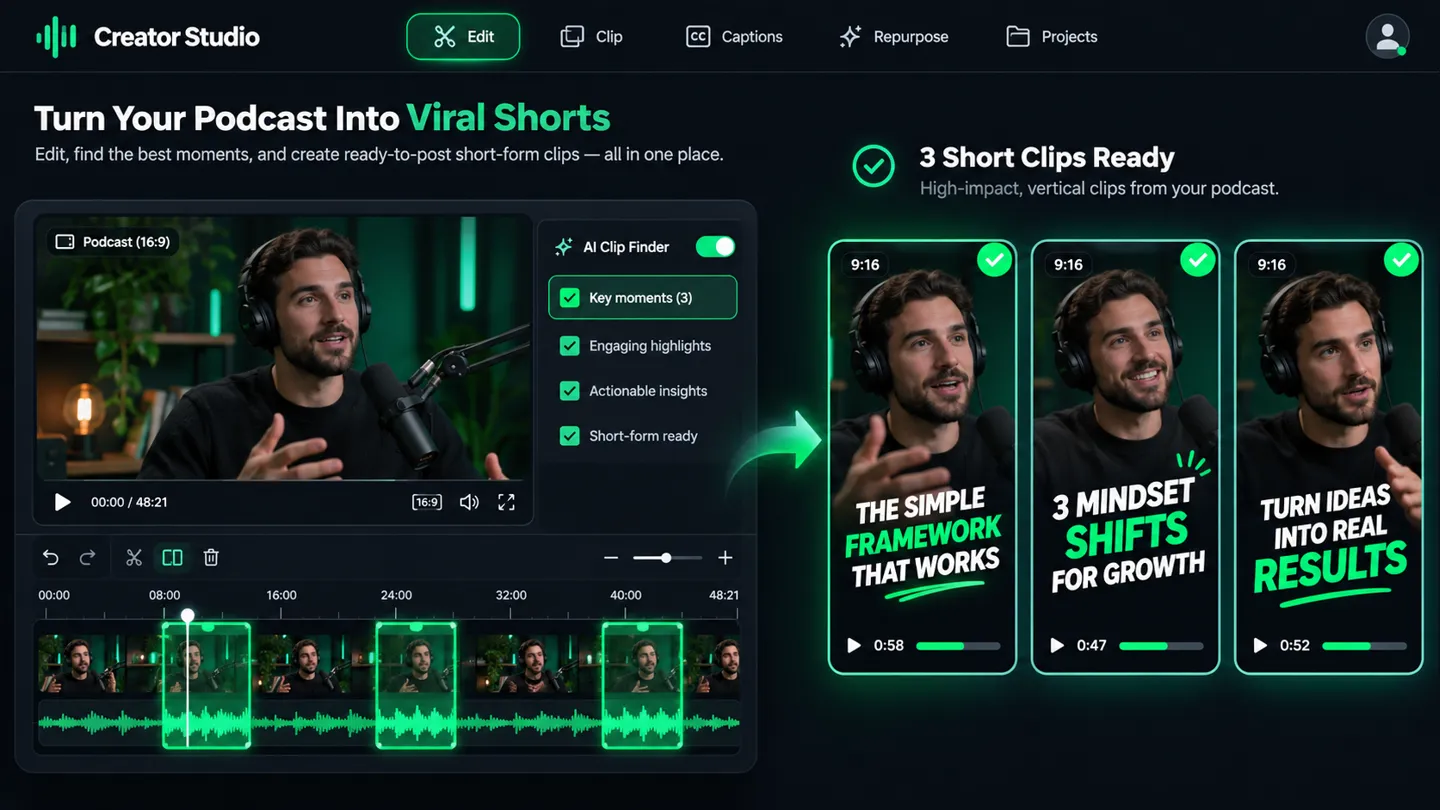
Vyro-style clipping campaigns reward editors who turn fresh creator drops into clean, high-retention 9:16 clips first. Paste any YouTube, Twitch, Kick, or podcast link and turn multi-hour footage into punchy 9:16 vertical clips with dynamic captions—built for creators, streamers, and clipping campaigns.
- Paste approved YouTube, Twitch & Kick URLs
- 30s Shorts & 60s Clips presets
- Bold dynamic captions for muted feeds
What actually moves the needle in Vyro clipping
Every campaign pool has a clock on it. Pair fast URL-to-9:16 turnaround with tight hooks and clean compliance so more of your uploads pass review and catch views early.
- Early-Wave Speed
First wave takes the views
When a fresh creator episode or campaign brief drops, the first clean clips catch the algorithm before everyone else floods the same soundbite.
- Muted-Feed Hooks
Stop thumbs in 2 seconds
Most viewers scroll TikTok and Reels on mute first. Bold word-by-word captions and an immediate hook decide whether they watch or swipe.
- Angle Volume
Test 5–10 cuts per drop
Don't gamble an entire campaign on one slow edit. Queue both 30s reaction hooks and 60s story arcs from the same approved source link.
- Approval Discipline
Clean 9:16, zero watermarks
Passing review comes down to approved footage, native 9:16 framing inside UI safe zones, readable subtitles, and following every brief rule.
What gets Vyro-style clips rejected vs. what holds watch time
Clean up these four habits before uploading and stop losing views to avoidable rejections.
Late uploads, dead air & watermarks
- Spending two hours downloading 6 GB files and scrubbing Premiere while faster editors drain the pool.
- Starting clips with 3 seconds of throat-clearing, podcast intros, or dead air before the actual claim.
- Re-uploading a TikTok download with a bouncing watermark onto Reels or YouTube Shorts.
- Placing tiny captions at the bottom edge where TikTok and Reels UI buttons cover the text.
Hook-first 9:16 clips with safe-zone captions
- Pasting the approved YouTube, Twitch, or Kick URL straight into Clipden to queue 9:16 batches fast.
- Cutting right onto the heated take, punchline, or clutch reaction from frame one.
- Uploading clean, native vertical files to every platform so zero third-party watermarks trigger rejection.
- Keeping high-contrast dynamic captions ON and centered in the mobile safe zone for sound-off viewers.
Three steps from campaign brief to live submission
- STEP 01
Verify the active brief & source links
Check the remaining campaign budget, approved creator channels, required mentions or hashtags, and minimum clip duration before you cut.
- STEP 02
Paste the VOD URL into Clipden
Drop the approved YouTube, Twitch, or Kick link above, choose 30s Shorts for fast reactions or 60s Clips for stories, and keep Dynamic Captions ON.
- STEP 03
Publish natively & submit live links
Post your watermark-free 9:16 clips with tight curiosity-gap titles, then submit the live URLs back to your campaign dashboard while the topic is fresh.
Expand your clipping workflow
- Campaign Overview
Clipping Campaigns
Full breakdown of CPM bounty pools, approval rules, and high-volume clipping workflows.
Read Clipping Campaigns guide - Whop Bounties
Content Rewards Clipping
How to squeeze 5–10 high-retention hooks out of one VOD for Content Rewards programs.
Read Content Rewards guide - Tool Comparison
Best AI Clipping Tools
Side-by-side comparison of Clipden, OpusClip, Vizard, Klap, and Munch for vertical shorts.
Compare clipping tools
Common questions before you submit
Need details on supported VOD links, Google sign-in, or privacy? Check the full Clipden FAQ.
Clipden is an independent AI clipping tool and is not affiliated with, endorsed by, or sponsored by Vyro, Whop, TikTok, Instagram, YouTube, Twitch, or Kick. Only submit videos you own or have permission to clip.
How can I ship clips faster for Vyro-style clipping campaigns?
Cut out the multi-gigabyte file downloads and manual captioning. Paste the approved YouTube, Twitch, or Kick URL into Clipden, pick 30s Shorts or 60s Clips with Dynamic Captions ON, and batch multiple angles from one source drop.
What causes clips to get rejected in Vyro-style campaigns?
Common rejection triggers include clipping unapproved source videos, leaving TikTok or third-party watermarks on cross-posts, unreadable or cut-off captions, low audio clarity, and skipping required brief tags or disclosures.
Should I pick 30s Shorts or 60s Clips for Vyro submissions?
Pick 30s Shorts for sharp stream reactions, funny banter, and punchy hot takes where high replay rate drives reach. Pick 60s Clips when a podcast story or creator breakdown needs setup before the payoff.
Is Clipden affiliated with Vyro?
No. Clipden is an independent AI clipping tool built to speed up your 9:16 vertical workflow. It is not affiliated with, endorsed by, or sponsored by Vyro, Whop, TikTok, Instagram, YouTube, Twitch, or Kick.
Turn your next brief into crisp 9:16 clips
Paste an approved YouTube, Twitch, or Kick link into Clipden and queue vertical clips with dynamic captions in seconds.
Clip a Video Now