
Stream Clipper: Turn 4-Hour Twitch & Kick VODs into 9:16 Clips
Your funniest chat moments and clutch plays shouldn't die inside a 4-hour VOD tab. Paste any YouTube, Twitch, Kick, or podcast link and turn multi-hour footage into punchy 9:16 vertical clips with dynamic captions—built for creators, streamers, and clipping campaigns.
- Twitch, Kick & YouTube Live VODs
- Zero multi-GB file downloads
- 30s reactions & 60s stories
Turn every live broadcast into a week of vertical growth
Streaming for four hours is already the hard part. Clipden strips away the heavy VOD downloads and manual subtitle grinding so your highlights actually make it onto TikTok, Reels, and Shorts.
- Zero 12 GB Downloads
Paste the VOD URL directly
Stop filling your SSD with massive 4-hour MKV and MP4 recordings. Drop your public Twitch, Kick, or YouTube Live link straight into Clipden.
- Split-Screen Ready
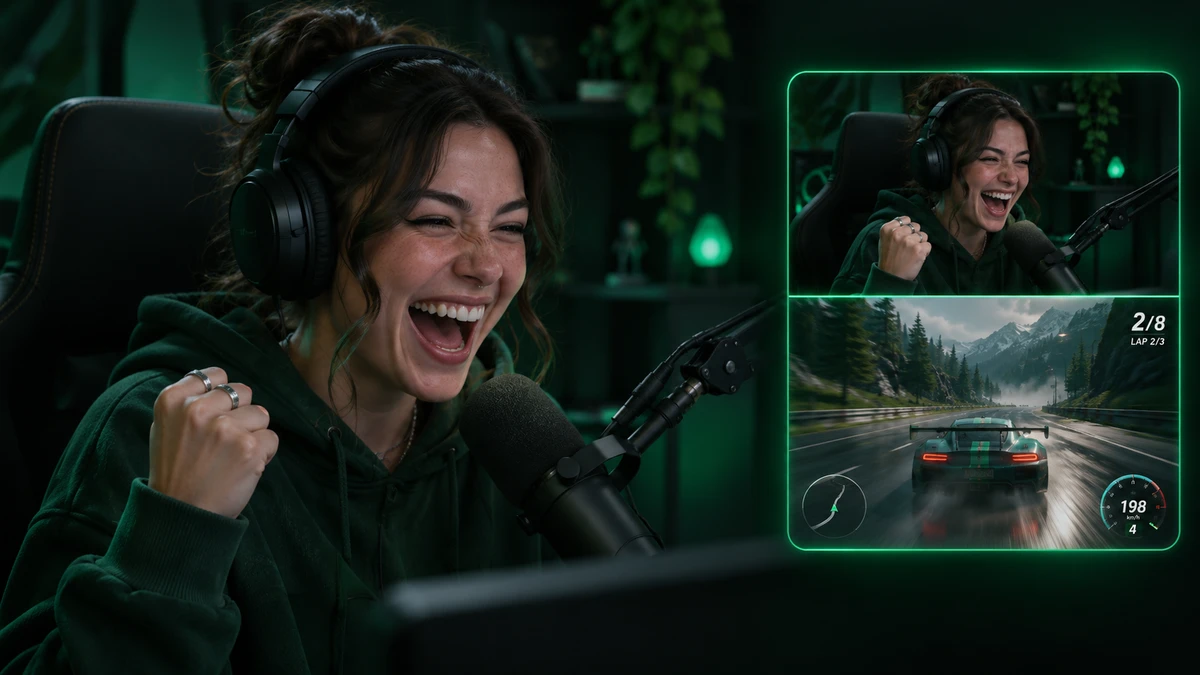
Facecam + gameplay that reads
Vertical viewers want to see your reaction and the clutch play at the same time—not a zoomed-in corner of a HUD with your face cropped out.
- Muted-Scroll Captions
Captions that land the joke
Funny chat banter, rage moments, and IRL stories hit twice as hard when bold dynamic captions lock eyes before viewers turn sound on.
- Offline Discovery
Grow while you're not live
Twitch and Kick discovery is brutal on its own. Daily 9:16 clips on TikTok, Reels, and Shorts pull fresh viewers straight into your next stream.
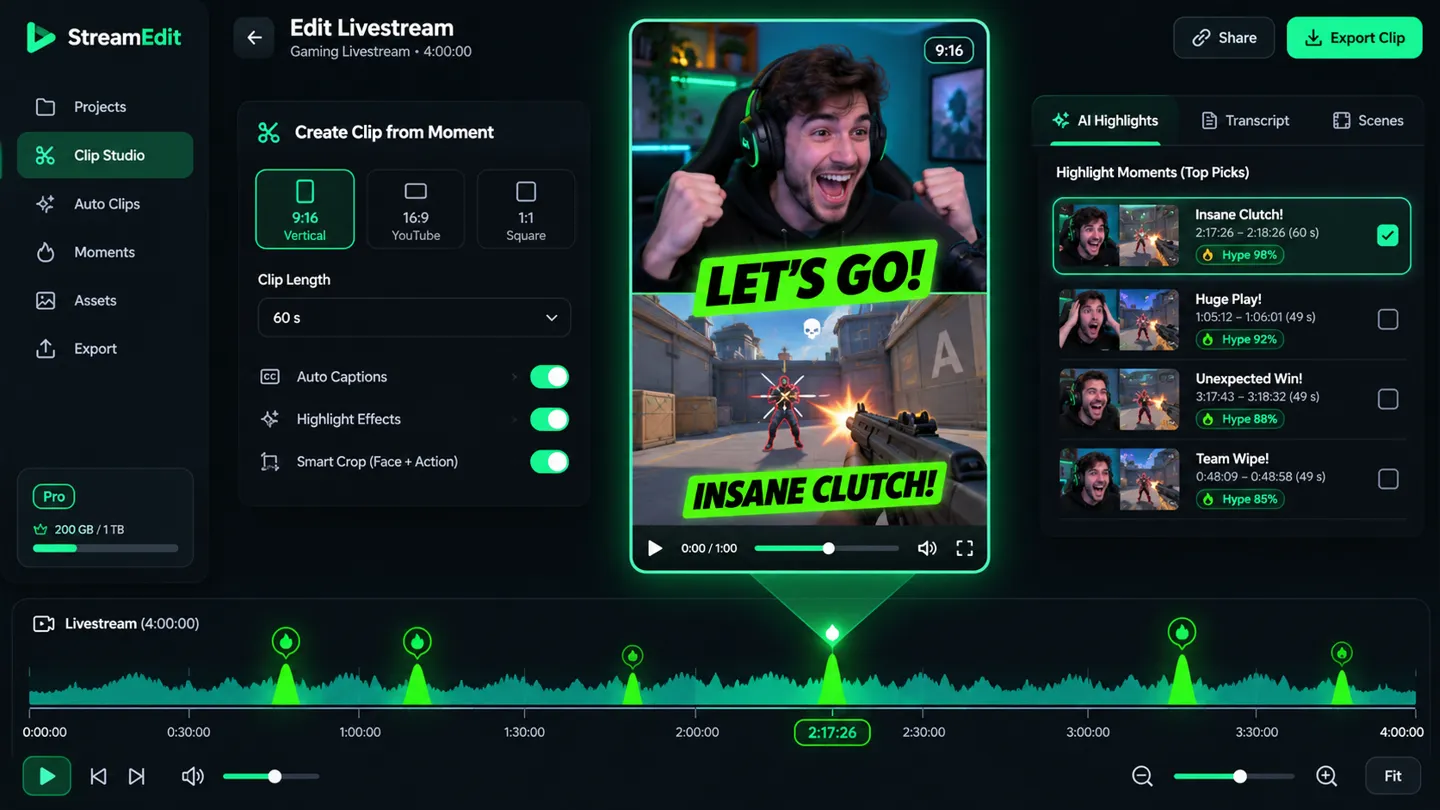
Manual VOD scrubbing vs. Clipden stream workflow
Stop letting your best streams rot in the VOD archive because editing takes too long.
10 GB downloads & abandoned VODs
- Finishing a 4-hour broadcast exhausted, then staring at a 10 GB VOD you never have energy to scrub.
- Uploading raw 16:9 Twitch clips to TikTok where tiny letterboxed gameplay gets swiped in one second.
- Spending an hour manually keying facecam crops and hand-typing subtitles for one 30-second highlight.
- Letting your best clutch plays and funniest chat moments disappear when VODs expire.
Paste VOD URL. Queue 9:16 captioned clips.
- Dropping your public Twitch, Kick, or YouTube Live URL right after stream while the hype is fresh.
- Framing clean 9:16 vertical cuts built for mobile feeds across TikTok, Instagram Reels, and YouTube Shorts.
- Switching between 30s Shorts for clutch reactions and 60s Clips for Just Chatting stories in one click.
- Keeping Dynamic Captions ON so viewers catch every punchline even when scrolling on mute.
Clip your livestream in three steps
- STEP 01
Copy your Twitch, Kick, or YouTube Live VOD link
Grab the public URL from your latest gaming broadcast, Just Chatting stream, or IRL VOD right after you end stream.
- STEP 02
Pick 30s highlights or 60s stories
Choose 30s Shorts for clutch plays, jumpscares, and loud chat reactions, or 60s Clips for tier-list debates and storytime, with Dynamic Captions ON.
- STEP 03
Post across TikTok, Reels & Shorts
Turn every live broadcast into repeatable 9:16 vertical discovery clips that bring new viewers back to your channel.
Clipping for streamer bounties or comparing tools?
- Bounty Playbook
Clipping Campaigns
Learn how creator clipping campaigns pay per 1,000 views and how to pass review fast.
Read Clipping Campaigns guide - Whop Bounties
Content Rewards Clipping
Turn one approved streamer VOD into 5–10 high-retention hooks for view-based payouts.
Read Content Rewards guide - 2026 Comparison
Best AI Clipping Tools
Compare Clipden, OpusClip, Vizard, Klap, and Munch side by side across stream workflows.
Compare AI clipping tools
Answers for Twitch & Kick streamers
Looking for privacy, queue tracking, or general questions? See the full Clipden FAQ.
Clipden is an independent AI stream clipping tool and is not affiliated with Twitch, Kick, YouTube, or TikTok. Only clip your own streams or broadcasts you have permission to repurpose.
Which livestream platforms can I clip with Clipden?
Paste public Twitch VODs, Kick VODs, or YouTube Live replay URLs directly into the form above. No need to download multi-gigabyte raw recordings first.
How should I set up my OBS layout for cleaner 9:16 vertical clips?
Keep your facecam unobstructed in a consistent corner without heavy overlays on top of your face, and avoid placing giant alerts in the center of gameplay so vertical reframing stays crisp.
Should streamers pick 30s Shorts or 60s Clips?
Pick 30s Shorts for clutch gameplay, jumpscares, and rapid chat reactions where replay rate drives views. Pick 60s Clips for Just Chatting stories, hot takes, and community Q&A moments.
Is Clipden affiliated with Twitch, Kick, or YouTube?
No. Clipden is an independent AI stream clipper and is not affiliated with, endorsed by, or sponsored by Twitch, Kick, YouTube, TikTok, or Instagram. Only clip your own streams or broadcasts you have permission to repurpose.
Turn your last stream into daily vertical shorts
Paste your latest Twitch, Kick, or YouTube Live VOD URL and queue clean 9:16 captioned clips in seconds.
Clip a Stream Now