
Clipping Campaigns: Turn Long VODs into Winning 9:16 Clips
Clipping campaigns reward speed, retention, and clean 9:16 execution—not who spends the longest scrubbing Premiere. Paste any YouTube, Twitch, Kick, or podcast link and turn multi-hour footage into punchy 9:16 vertical clips with dynamic captions—built for creators, streamers, and clipping campaigns.
- Paste approved YouTube, Twitch & Kick links
- 30s & 60s presets
- Dynamic captions built for muted feeds
How creator & brand clipping campaigns pay
Every campaign has a fixed pool. Understanding how views, turnaround speed, and brief rules interact is what separates casual uploads from consistent payouts.
- Payout Model
Paid per 1,000 views (CPM)
Creators and brands fund a shared bounty pool and pay editors based on verified short-form views across TikTok, Reels, and Shorts.
- Speed Matters
Early clippers take the pool
Popular campaign budgets drain quickly once a new podcast or stream drops. Shipping clean edits in minutes beats spending all night on one clip.
- Volume & Hooks
One VOD = 5 to 10 angles
Top clippers never bet everything on a single cut. They test multiple 30s reactions and 60s stories from the same approved source video.
- Compliance
Brief rules decide payouts
Passing review comes down to approved source links, clean 9:16 framing, readable captions, and zero third-party platform watermarks.
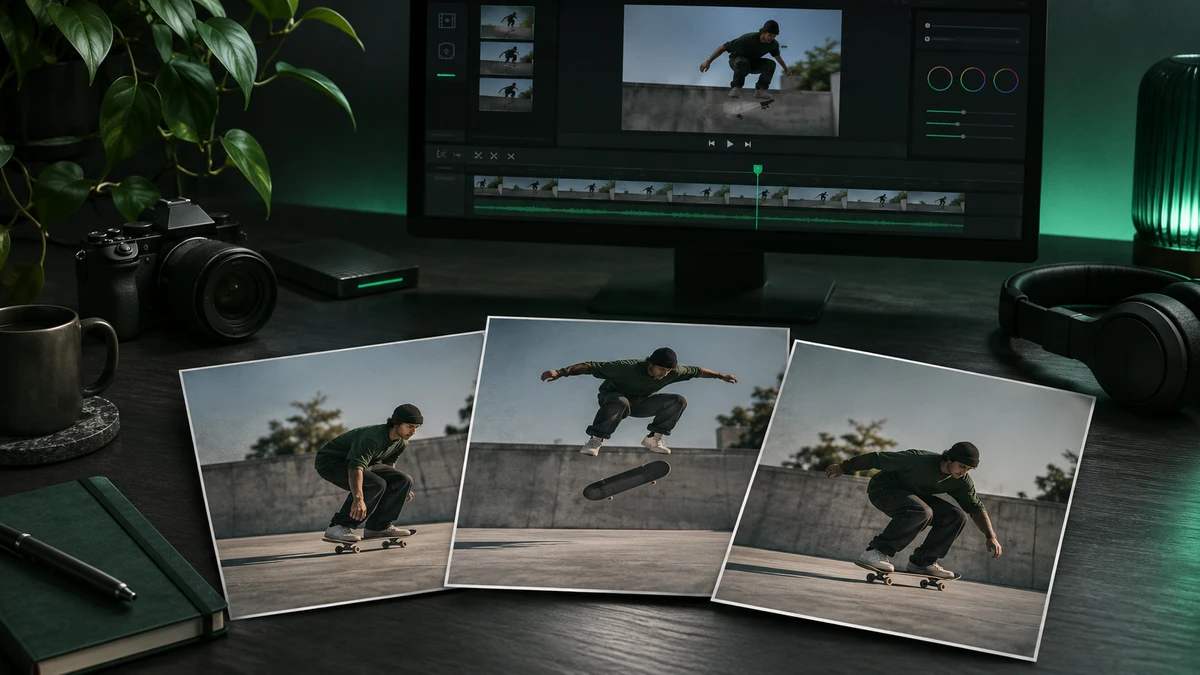
Why campaign submissions get rejected—and what gets approved
Fix these four mistakes before you post and your approval rate and watch time jump immediately.
Slow intros, sloppy crops & watermarks
- Opening with 4 seconds of slow intro or dead air—viewers swipe before the hook even starts.
- Leaving ugly horizontal black bars or letting TikTok and Reels UI buttons cover the subtitles.
- Cross-posting a downloaded TikTok with a bouncing watermark onto Reels or YouTube Shorts.
- Spending two hours manually cutting one clip while faster editors already claim the campaign budget.
Hook-first 9:16 edits with bold captions
- Opening straight on the bold claim, heated debate, or loud stream reaction in the first 1.5 seconds.
- Clean 9:16 vertical framing with centered speakers and high-contrast word-by-word dynamic captions.
- Exporting clean vertical cuts so every platform gets a native, watermark-free upload.
- Pasting approved YouTube, Twitch, or Kick links into Clipden to queue repeatable 30s and 60s batches fast.
Three steps from campaign brief to live submission
- STEP 01
Lock in the brief & approved source
Confirm the remaining campaign budget, approved creator channels, minimum clip length, and required tags before you start cutting.
- STEP 02
Drop the VOD link into Clipden
Paste the approved YouTube, Twitch, or Kick link above, pick 30s Shorts for fast hooks or 60s Clips for stories, and keep Dynamic Captions ON.
- STEP 03
Post natively & submit your live link
Upload your clean 9:16 clip to TikTok, Reels, and Shorts with a curiosity-gap caption, then paste the live post URL back to the campaign dashboard.
Go deeper on specific clipping platforms
- Vyro Workflow
Vyro Clipping
Submission habits, hook pacing, and clean 9:16 caption formatting tailored for Vyro-style briefs.
Read Vyro clipping guide - Whop Bounties
Content Rewards Clipping
How to batch high-retention 30s and 60s shorts for Whop Content Rewards view-based payouts.
Read Content Rewards guide - Live Broadcasts
Stream Clipper
Turn 4-hour Twitch and Kick VODs into punchy vertical gaming and IRL highlights.
Open Stream Clipper guide
Common clipping campaign questions
Comparing clippers before you commit to a workflow? Check our Best AI Clipping Tools comparison or the full FAQ.
Clipden is an independent AI clipping tool and is not affiliated with Vyro, Whop, YouTube, Twitch, Kick, or TikTok.
How do clipping campaigns actually pay editors?
Most creator and brand clipping campaigns run on a CPM model: a campaign sets a total budget pool and pays a rate per 1,000 verified views once your submitted clip meets the brief's rules and minimum view threshold.
Why do clips get rejected from clipping campaigns?
The most common reasons are using unapproved source videos, leaving third-party platform watermarks on re-uploads, missing required mentions or disclosures, low visual/audio quality, or failing to match the brief's clip length.
Should I submit 30s Shorts or 60s Clips for campaigns?
Use 30s Shorts for high-energy stream reactions, funny exchanges, and sharp one-liners where completion and replay rates drive reach. Use 60s Clips for podcast stories or product breakdowns that need setup before the payoff.
Is Clipden affiliated with Vyro, Whop, or any campaign platform?
No. Clipden is an independent AI clipping tool built to speed up your 9:16 vertical workflow. It is not affiliated with, endorsed by, or sponsored by Vyro, Whop, TikTok, Instagram, YouTube, Twitch, or Kick.
Queue your next campaign clip in seconds
Paste an approved YouTube, Twitch, or Kick VOD link and turn long-form drops into crisp 9:16 captioned submissions.
Clip a Campaign Video